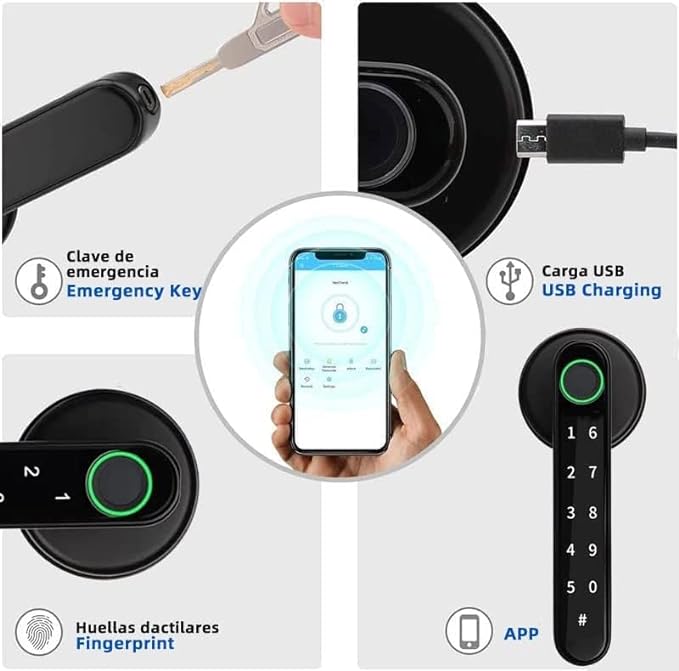
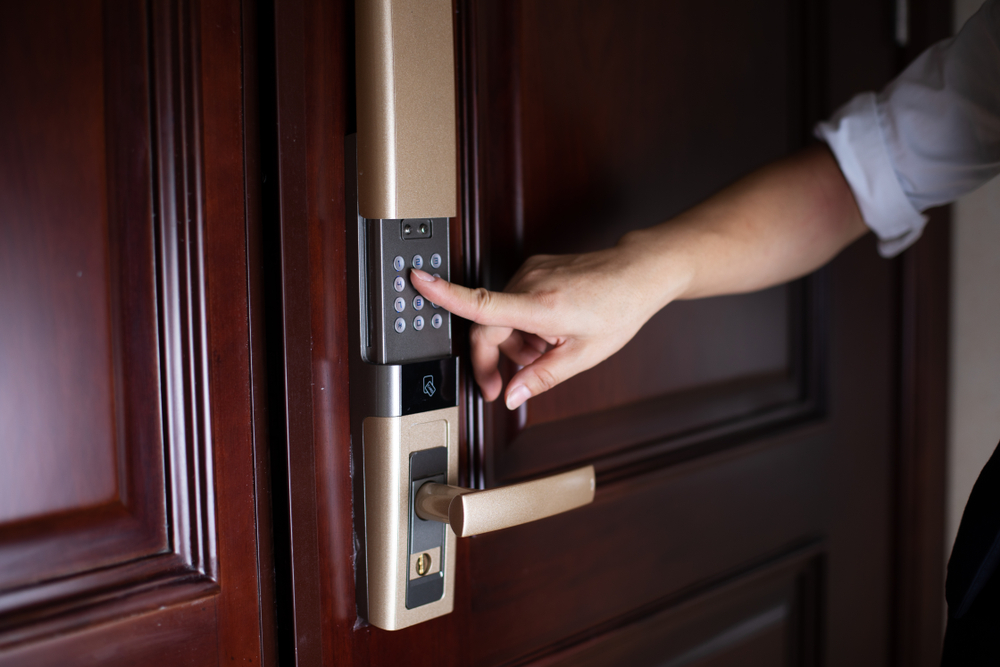
Electronic Keyboard: An electronic keyboard is a common feature of many smart locks. It allows users to input a PIN code to unlock the door. This method is convenient and doesn't require any physical keys.
Password: Similar to the electronic keyboard, a password can be used to unlock a smart lock. You would typically enter the password via a connected app or a keypad on the lock.
Bluetooth: Bluetooth connectivity enables users to unlock the door using their smartphone. When the paired device is in close proximity, the smart lock can automatically recognize it and unlock the door.
Smart Lock Biometric Identification (Fingerprint): Biometric smart locks often use fingerprint recognition to grant access. Users need to place their finger on a sensor, and the lock will identify them based on their unique fingerprint.
Key: Some smart locks still retain a traditional key slot for physical keys as a backup in case of technical failures or for use by those who prefer a traditional key.
Digital WiFi Electronic: Smart locks with Wi-Fi connectivity can be controlled remotely using a smartphone app. They offer features like remote access, lock/unlock status, and even integration with other smart home devices.
When selecting a smart lock, consider your specific needs and preferences. Some smart locks may offer a combination of these features, allowing you to choose the access method that works best for you. Additionally, consider the security and connectivity features, such as encryption and remote control capabilities, to ensure your smart lock meets your security requirements.

Reviews
Clear filtersThere are no reviews yet.